Use the library
The library at CBS is public and open every day of the week. All Danish residents and people living in the Øresund region aged 18 or older can register as library users and make use of the library spaces, search systems and borrow books from our collections.

Become a user
Private user, upper secondary school student or student at another university
Borrow books
You are welcome to borrow books from the library at CBS. To do so, you need a library account in Libsearch. You can create an account by logging in to Libsearch with MitID, then add your email address and create a PIN code for use at the self-service machines.
If you do not have MitID, you can write to udlaan.libas@cbs.dk and include a photo ID, such as a passport or driver's licence.
Follow these steps:
- Log in to Libsearch with MitID
- In Libsearch, click your name in the top right corner
- Click "My personal details and settings"
- Click "Edit details", insert your email address and save
- Click "Update PIN code and login details" and enter a four-digit code
Your email address will only be used to send you messages about due dates, reminders and reservation pick-ups.
Use study seats
The study seats on the ground floor are open to everyone without prior reservation – including students from other universities, secondary school pupils and private visitors.
Access to online resources
Many of the online resources we provide can be accessed on-site at the library, although a few are available only to CBS students and employees. These resources must never be used for commercial purposes, as our licences do not permit it.
CBS student
Facilities
Study seats and group rooms are available at Solbjerg Plads 3, Dalgas Have 15 and H. V. Nyholms Vej 21. You can book a seat via my.cbs.dk.
The library at Solbjerg Plads is open around the clock for students with an access code, which can be created at the Campus Desk.
Online resources
You have access to online materials no matter where in the world you are.
Library card and PIN code
As a CBS student, you are already registered in our library system and can log in to Libsearch using your CBS username and password.
To borrow physical materials at the library’s self-service machines, you need your national health card and a PIN code. You can create your PIN code when logged in to Libsearch. Click “Personal details” and then “Update login details” to enter a four-digit code.
If you prefer to use your student card as your library card, a librarian can help you set it up.
If you are enrolled in continuing education, you can have materials sent to you free of charge. Email udlaan.libas@cbs.dk
if you would like to use this service.
Order from other libraries
If we do not have what you are looking for, we can help you get it from another library. The average delivery time is six days.
You can order books from other libraries in two ways:
- www.bibliotek.dk: Search across libraries in Denmark. Choose CBS Library & Academic Services as your pick-up library.
- You can also log in to Libsearch and request a book or an article using the form “Loan from other libraries.”
Courses in search techniques, references, etc.
Each semester, we offer a variety of courses designed to help you find relevant literature, manage your sources or navigate company data.
CBS employee
Online resources
You have access to online materials no matter where in the world you are.
Library Liaison
Each department has a dedicated library liaison who is always ready to help.
See who your contact is on CBS Share.
Library card and PIN code
You are automatically registered as a library user and can log in to Libsearch using your CBS username and password. You can choose to have materials delivered directly to your department or pick them up yourself at the library at Solbjerg Plads.
If you prefer to collect materials yourself, you will need a PIN code together with your yellow national health card to check out at the self-service machines. You can create your PIN code when logged in to Libsearch. Click “Personal details” and then “Update login details” to create a four-digit code.
Order from other libraries
If we do not have what you are looking for, we can help you obtain it from another library. The average delivery time is six days.
You can order books from other libraries in two ways:
- www.bibliotek.dk: Search across libraries in Denmark. Choose CBS Library & Academic Services as your pick-up library.
- You can also log in to Libsearch and request a book or an article using the form “Loan from other libraries.”
Company
With a corporate library card, you can order and have books and articles from the library’s print collections delivered.
Send an email to udlaan.libas@cbs.dk with the company name, address, email, SE number and contact person.
Companies cannot be granted access to online materials, as our licences prohibit commercial use.
Prices for the delivery of books and articles
Books from the library are sent at DKK 50 per item.
Article copies from the library’s print collections:
- 1–50 pages: DKK 50
- 50–100 pages: DKK 100
- Thereafter: DKK 1 per page
Library
Order materials from CBS Library & Academic Services via Danbib. If the material cannot be supplied, we will notify you within four working days.
Loan period and renewal
Loans are automatically renewed three days before the due date, provided the material has not been reserved. If it has been reserved, the normal recall procedure will apply.
Contact
Loans Administration
Email: udlaan.libas@cbs.dk
Phone: +45 3815 4242
CBS Alum
You have the same access to use the library as private users. However, you can have books and journals sent to your home address free of charge. Articles and chapters from online books and journals may only be used for private purposes, as our licences prohibit commercial use.
How to get alumni benefits
- Join CBS alumni
- Then write to us at alumni.libas@cbs.dk
Call us if you would like to discuss your options:
Phone: +45 3815 3698 (8:00–14:30)
Phone: +45 3815 3797 (8:30–15:30)
FAQ
How much can I borrow, and for how long?
There is no limit to how many items you may borrow.
Books can be borrowed for four weeks.
Journals can be borrowed for two weeks.
If there is a waiting list for an item, the loan period will be halved. This ensures that more library users have the opportunity to read the book while it is still relevant.
You can always check your due dates and renew your loans under “My account” in Libsearch.
What happens if I return items late?
If you exceed the due date, a fee will be charged for each item you have borrowed.
If your total fees or charges exceed DKK 200, your library account is blocked.
Log in to your account in Libsearch to see when your items are due and whether any fees apply. You can also pay outstanding amounts directly through your account.
Visit the page about lending rules for an overview of fee amounts.
Where can I renew my loans?
You can renew your loans online in Libsearch, provided the materials is not reserved by another user.
However, the total loan period including renewals cannot exceed three months. If you wish to keep the item longer, you can visit the library, return the material and borrow it again for a new period.
If we have obtained items for you from another library, you can try to renew them online in Libsearch. We will then check whether renewal is possible. You will be notified if it cannot be extended. You can also write directly to indlaan.libas@cbs.dk
Where do I return my books?
Items borrowed from CBS Library & Academic Services must be returned to Solbjerg Plads 3, 2000 Frederiksberg.
When is the library open?
The library at Solbjerg Plads is open24/7 for CBS students and employees.
For all other users, the library is open:
Monday–Friday: 7:30–18:00
Saturday, Sunday and public holidays: 8:00–18:00
Seasonal changes may apply – see opening hours
Facilities
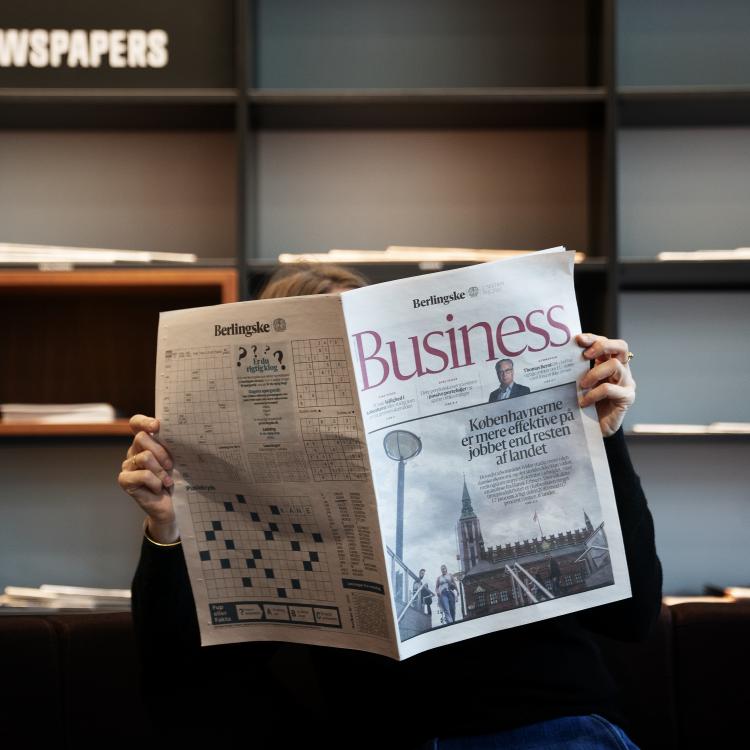
Read today’s newspaper
In the lounge area, you can read Danish and international newspapers including Politiken, Berlingske, Børsen, Jyllands-Posten, Information, Weekendavisen and Financial Times.
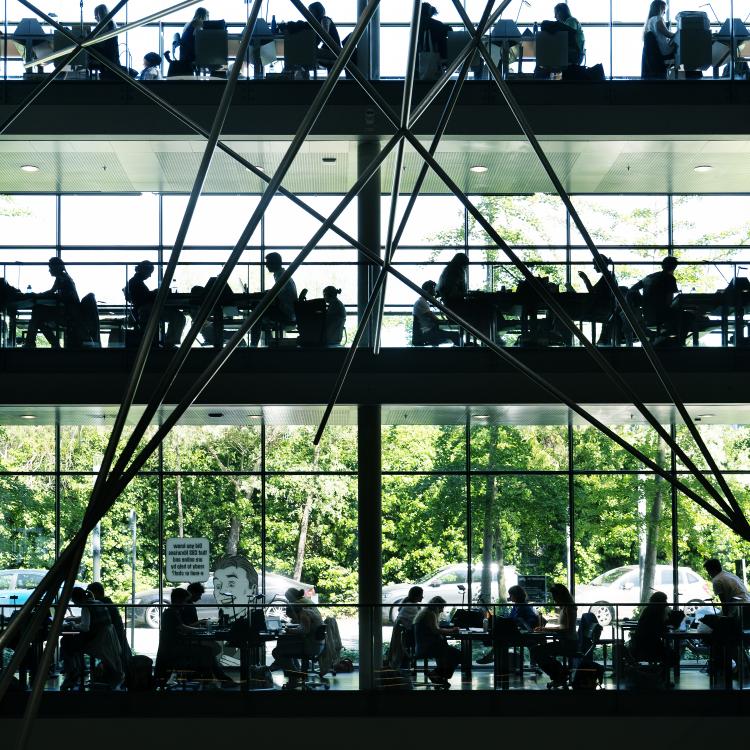
Study seats
The library offers a wide range of study areas, and the ground floor is open to everyone. On the 1st and 2nd floors, seats are reserved for CBS students, as are the reading rooms at H.V. Nyholms Vej and in Dalgas Have.
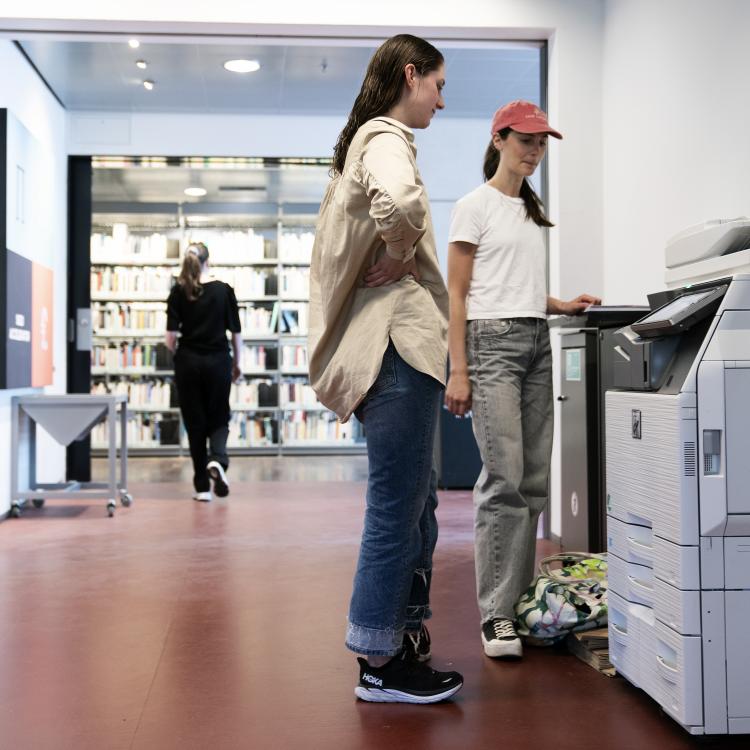
CBS offers a printing solution where you upload your file to Princh and pay by card or MobilePay. The printers can also scan, but they cannot be used as copiers.
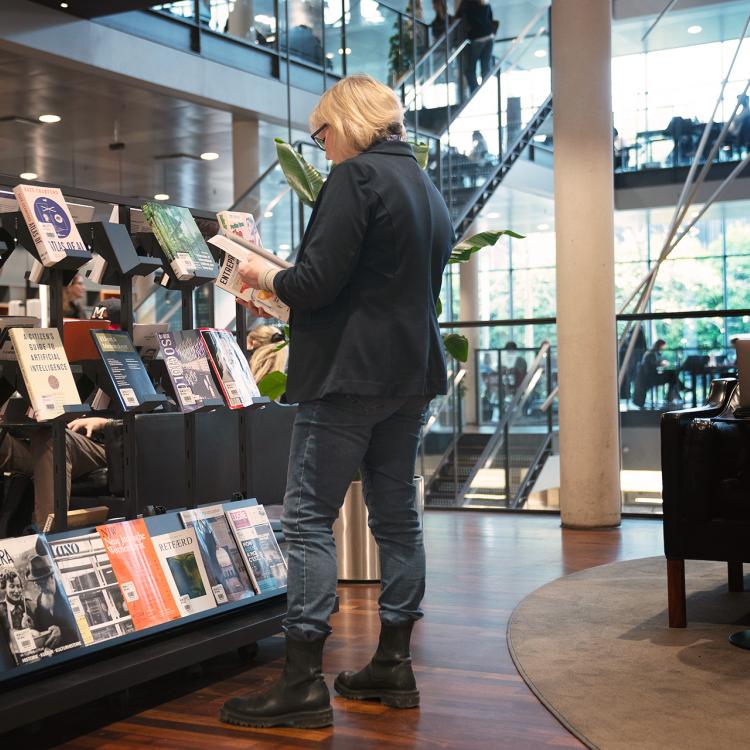
New books
Although e-books make up the largest part of our collections, we still buy physical books. See the latest additions on the display shelves in the ground-floor lounge.
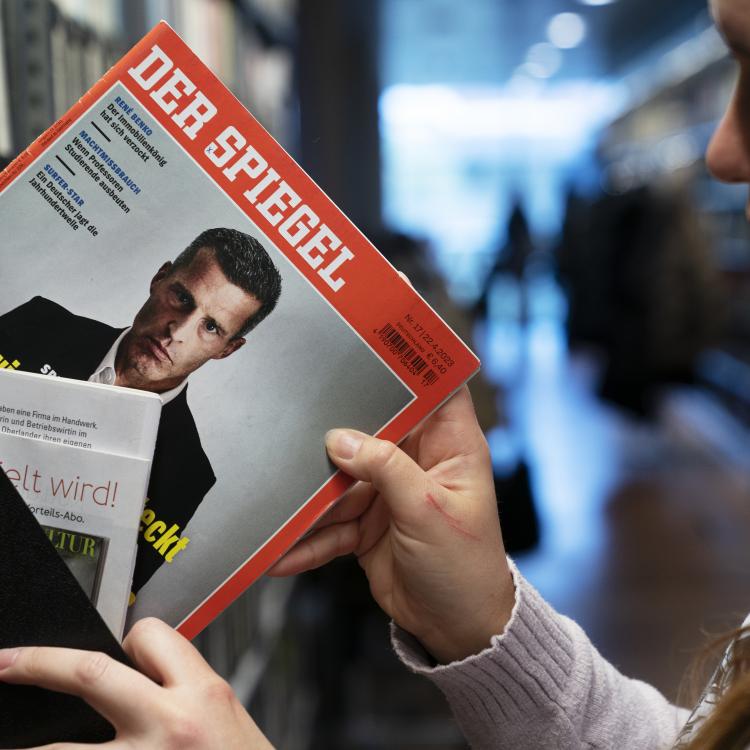
Journals
Weekly magazines and academic journals can be found on the 2nd floor by the lounge and on the display shelves – you are also welcome to borrow them.
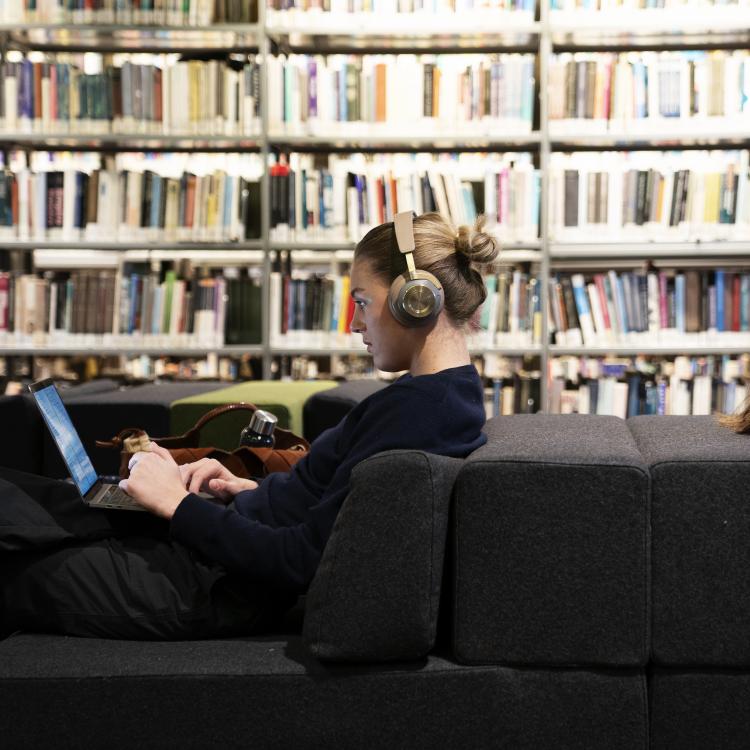
Lounges
Each floor has lounge areas with soft, comfortable furniture where you can read or relax between classes.
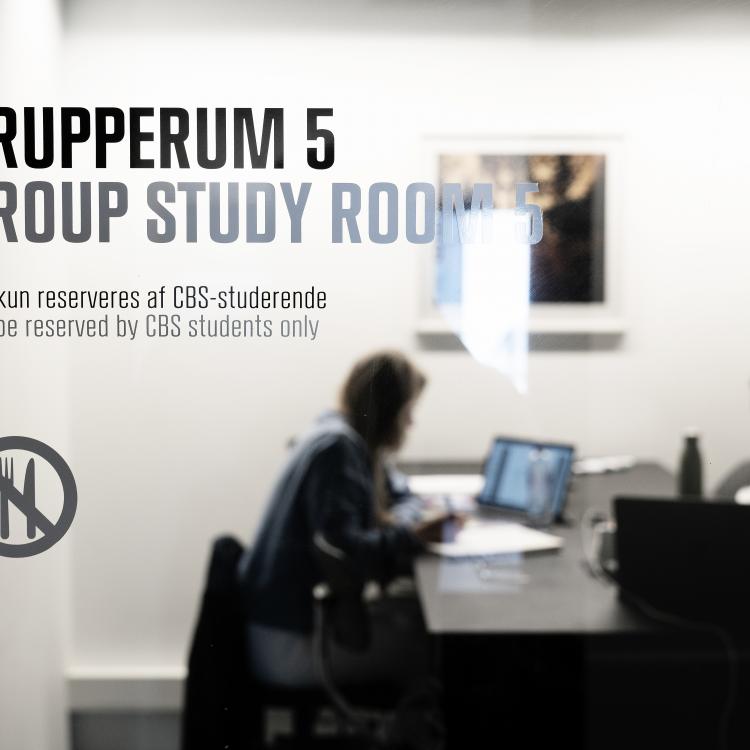
Group rooms
The library offers eight group rooms at Solbjerg Plads and nine at Dalgas Have. These can only be booked by CBS students.
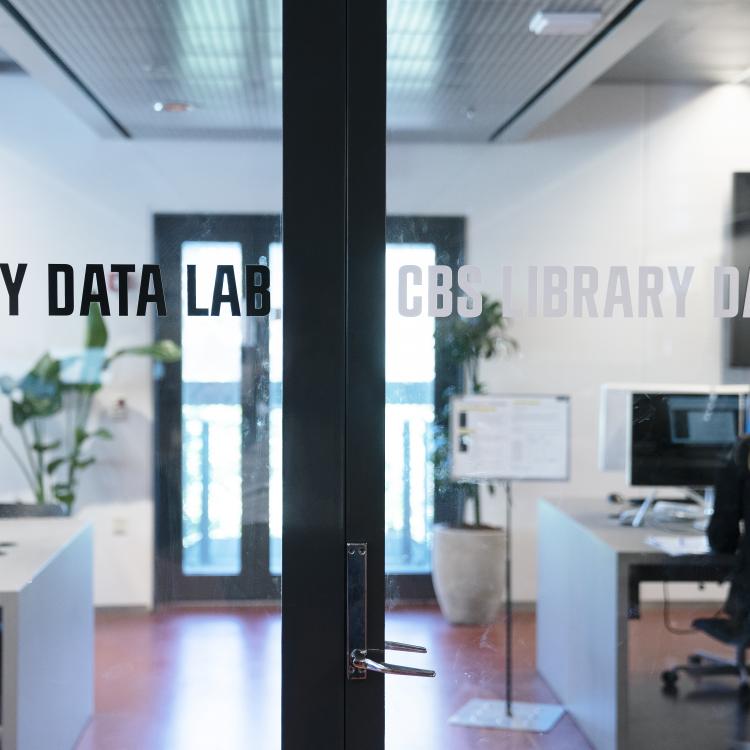
CBS Library Data Lab
Access to financial data is essential for CBS students. In the CBS Library Data Lab, students can book a seat and retrieve data for analysis in Bloomberg, Datastream and several other data sources.
Kiosk
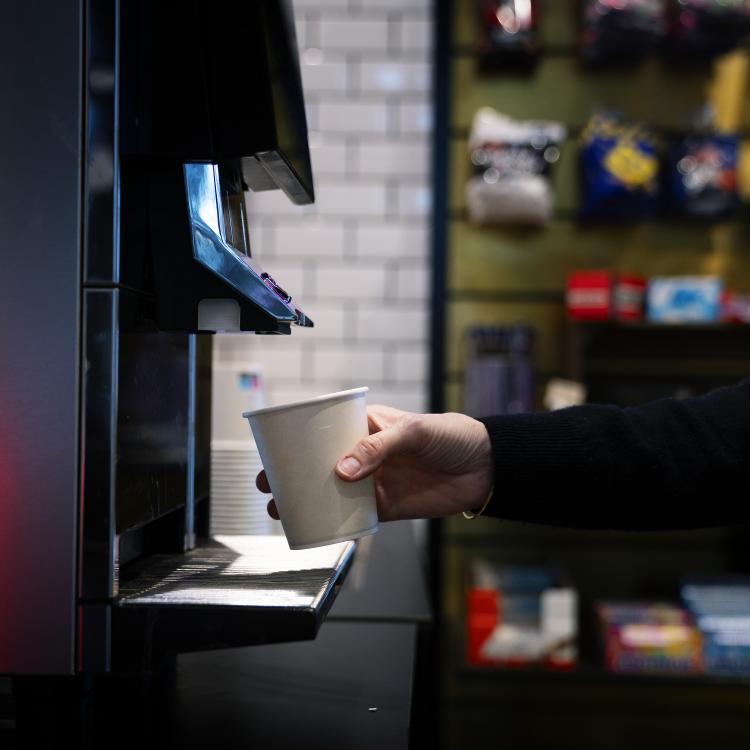
The kiosk offers a selection of snacks and beverages. It is open around the clock for students and employees with an access card.
Access to knowledge
As a library user, you have access to a wealth of knowledge.
Physical books
Online resources
Academic journals
Access and use of online materials
Visitors to the library have access to most online resources, including databases, e-journals and e-books. Some resources are available only to CBS students and employees.
Copyright: Content and data from the library’s online resources must not be used for commercial purposes.
